
2 TOUCHPOINTS

2 Clothing Clips

Dual-Pronged Charging Cable

Carrying Bag
T


TOUCHPOINT ESSENTIALS USER GUIDE

ACTIVATE COVERAGE
Activate the 1-year manufacturer's warranty and TouchPoint Care (purchase necessary). Don't wait! Product coverage must be activated within 30 days of receiving TStress-less knowing your purchase is protected. Activate the 1-year manufacturer's warranty and TouchPoint Care (purchase necessary). Don't wait! Product coverage must be activated within 30 days of receiving TouchPoint Essentials.

SAFE HANDLING
A little safety and care can go a long way in helping you stress less and live more! So go ahead and take a deep breath, relax, and let these safety & care instructions be your guide to a stress-less experience!
PERSONAL STRESS PROFILE
Every person has a unique stress profile whereby stress manifests for them in a unique way. Learn about your stress patterns and responses. To find out your Personalized Stress Profile, take the quiz!
GETTING STARTED:
WHAT'S IN THE BOX
2 TOUCHPOINTS
2 Clothing Clips
Dual-Pronged Charging Cable
Carrying Bag
ASSEMBLY

1.
Charge TouchPoints until red lights turn off (approximately 2-3 hours)

2.
Slide clothing clips onto the TouchPoints

3.
Your TouchPoints are ready to use!
CHARGING YOUR TOUCHPOINTS
Plug the included dual-pronged charging cable into a USB adapter or computer (computer must be powered on). A red light displaying means the TouchPoint is charging. Leave plugged into until the red light turns off.
For more info on charging, see our Safety & Care page
MODES & USES

BLUE
The blue light is the first and slowest speed on your TouchPoints.
The slow/blue setting is recommended to improve sleep, or meditate.
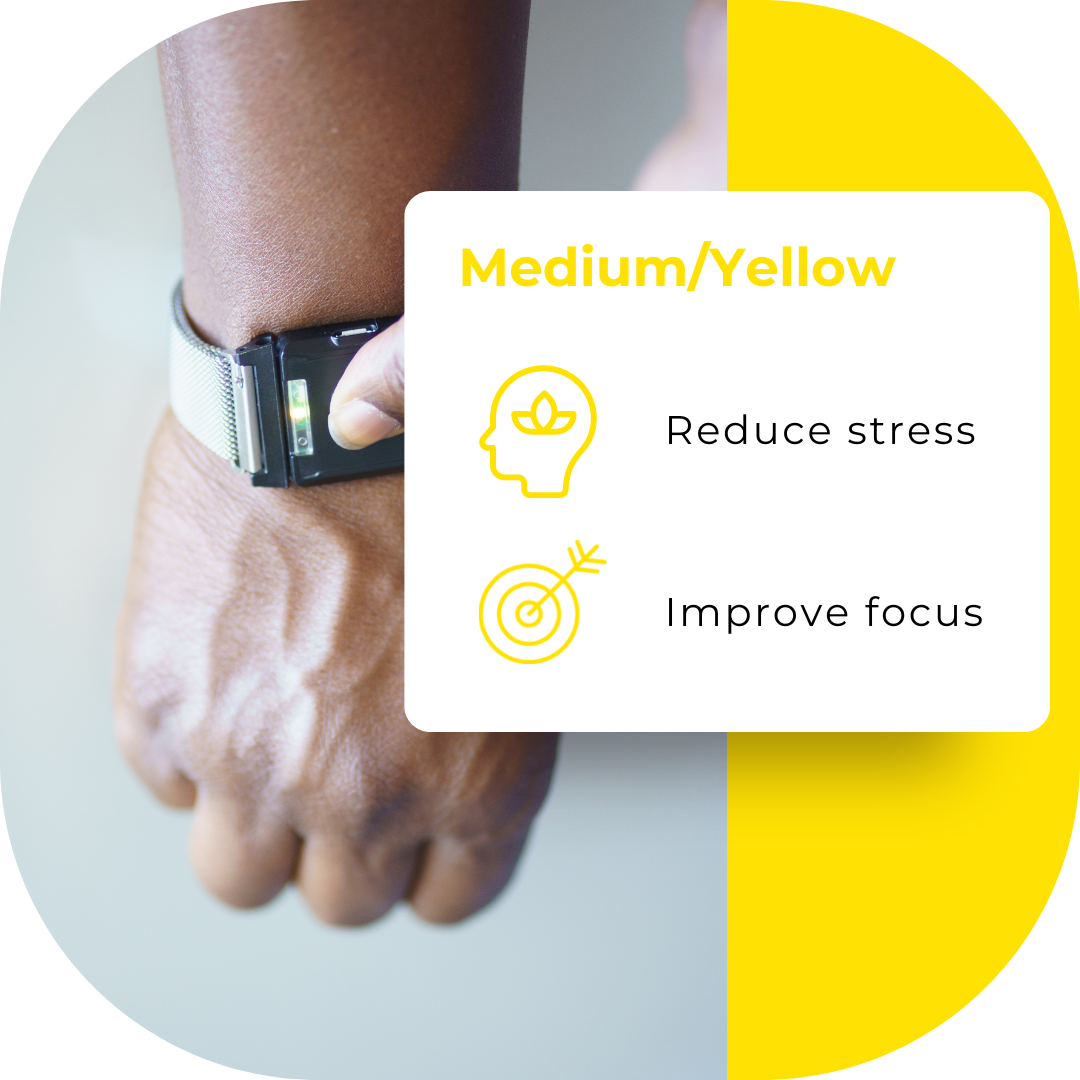
YELLOW
The yellow light is the second and medium speed on your TouchPoints.
The medium/yellow setting is recommended to reduce stress and improve focus.

PURPLE
The purple light is the third and fastest speed on your TouchPoints.
The fast/purple speed is recommended to manage anger and reduce agitation.

GREEN
A green standby light displays when the follower device is searching for the lead TouchPoint to pair with. Once it finds the lead, the light will change to the lead's setting (blue, yellow, or purple).
The green light will also briefly display right before each TouchPoint powers off.

RED
The red light will display when TouchPoints are charging, and disappear when TouchPoints are fully charged.
If the TouchPoint shows a red light while off the charger, it needs to be charged.
Plug the included dual-pronged charging cable into a USB adapter or computer (computer must be powered on). A red light displaying means the TouchPoint is charging. Leave plugged into until the red light turns off.
Using TouchPoints:
KEY:

LEAD DEVICE (L)
First device powered on
Used to select setting
FOLLOWER DEVICE (F)
Second device powered on
Mimics setting from the lead
Either device can be a lead or follower based on which one is powered on first.
The lights on your TouchPoints will help you sync your devices to the preferred setting and know when they're charging.
STEP-BY-STEP GUIDE:
1.Press the button on the lead device twice to turn on and activate the blue setting.

2. Face the lights of both TouchPoints together and press the button on the follower device one. The light on the follower will match the color of the lead, and the devices will vibrate in an alternating pattern.

PAIRING
3. If desired, change settings by pressing the button on the lead devices again while both TouchPoints' lights are facing each other

SETTINGS
4. Place one TouchPoint on each side of the body and feel the calming vibrations. Note: the average user wears TouchPoints for 20 minutes in the morning or evening, or as needed throughout the day.

DESTRESSING
5.To turn off, hold the TouchPoints away from each other and press the button on each until you see the green light.

POWER OFF
WHEN TO USE TOUCHPOINTS:
TouchPoints are intended to be used as needed throughout the day. TouchPoints can be used for a short duration to spot treat stress, or they may be left on for longer periods of time to prevent it.
For step-by-step instructions and more ways to use TouchPoints, visit the Encyclopedia of Uses
SPOT USE
Use TouchPoints on your preferred setting whenever you feel sudden stress. Most use TouchPoints for 5-15 minutes, or until they feel a sense of calm.

PREVENTATIVE USE
Use TouchPoints prior and during a stressful situation, such as before an important meeting, before a test or presentation, or a difficult conversation. We recommend you begin using TouchPoints 15-30 minutes prior and if necessary, during, until you feel a sense of calm.
Using TouchPoints for 15-30 minutes can leave a lasting effect in helping you stay calm throughout the day, even when TouchPoints are off! One of the ways TouchPoints' BLAST technology works is by creating new neural pathways that help modify the memories that trigger our stress response. These new neural pathways can build overtime, progressively reducing the release of stress related hormones such as adrenaline and cortisol levels. Overtime, using TouchPoints in these shorter periods as needed throughout the day should help you feel less stressed, more calm and logical, even when they're off. Using TouchPoints as such will not only be helpful to their effectiveness, but will also prolong their lifetime and help you better understand and manage your stress.

TouchPoint Tip: We all have a unique relationship to stress! If you're in a stressful scenario that is not listed in the Encyclopedia of Uses, TouchPoints may still help! Begin using TouchPoints on the slowest speed (blue). See how you feel after 5 minutes. If you're not feeling any better, try a higher speed (yellow, then purple). The general rule of thumb is the higher your stress level, the higher the speed you should use.
WHERE TO WEAR:
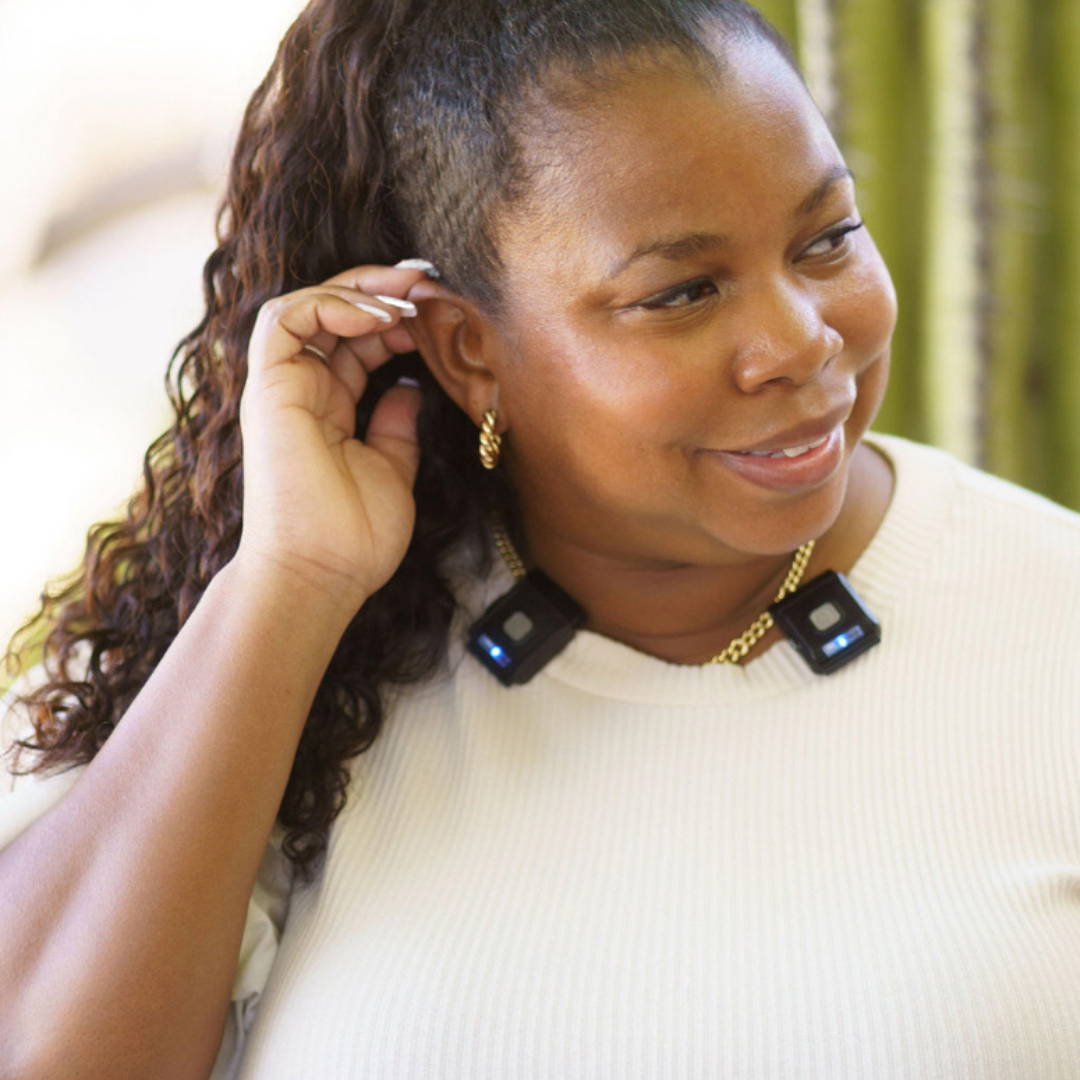
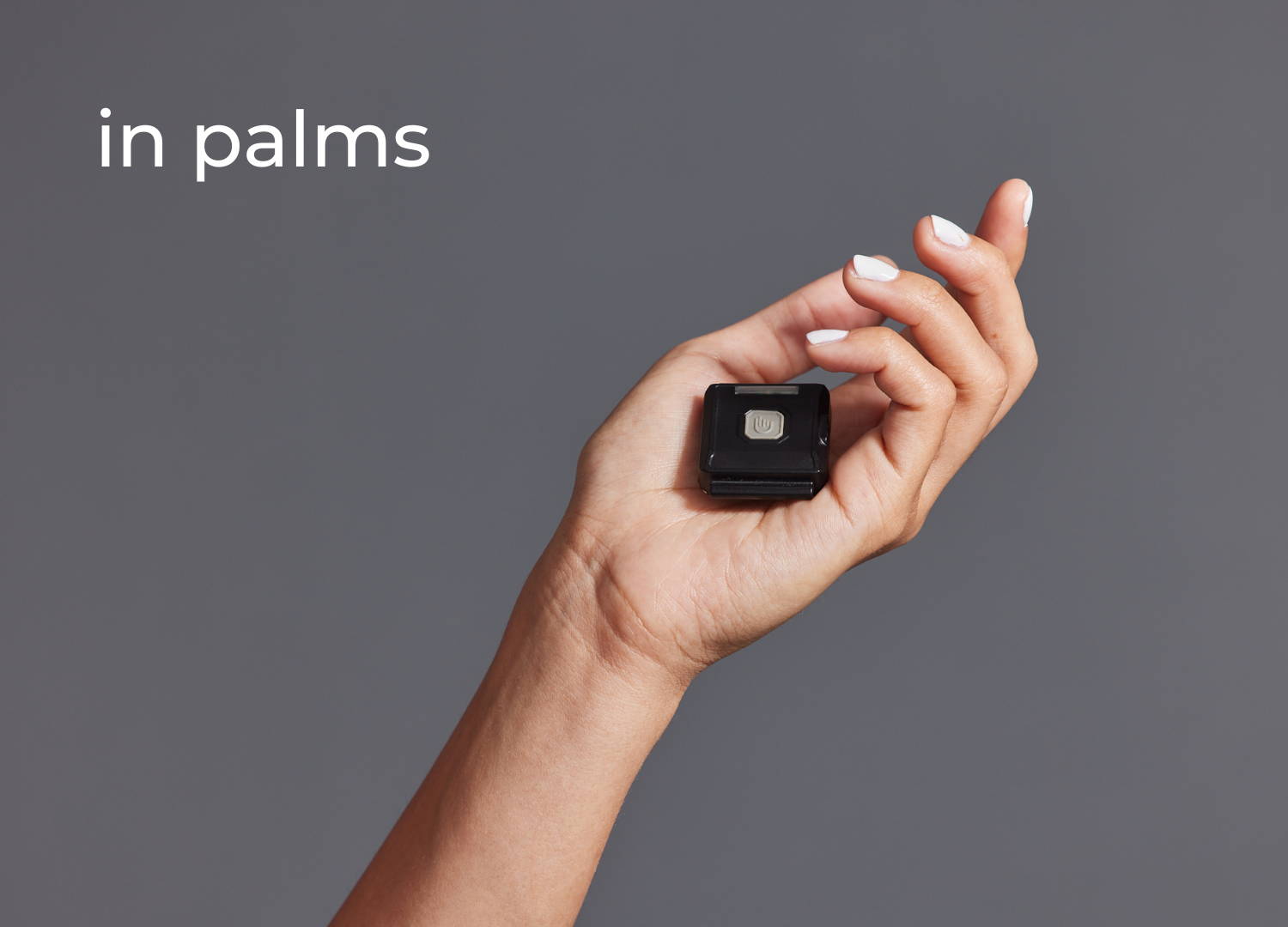
There are lots of ways to wear your TouchPoints, as long as you place one on the right and one on the left side of your body. TouchPoints do not need to be touching the skin as long as you can feel the vibrations. For more ways to wear TouchPoints, shop accessories!


FAQ
How do TouchPoints help reduce my stress?
When you're stressed, the 'fight or flight' part of your brain engages. TouchPoints shift you into the logical, rational part of your brain and allow you to think clearly and experience calm all within seconds. Having the ability to think rationally without an associated body sensation helps the brain create new neural pathways that are net positive, and this has a lasting effect on your brain. See How TouchPoints Work for more information.
Do TouchPoints work on every condition related to stress and anxiety?
TouchPoints do not treat or cure any medical conditions but can help manage the underlying stress that accompanies many conditions in conjunction with a healthy lifestyle.
How do I schedule my 10-minute phone consultation?
We'd love to help you troubleshoot TouchPoints or provide some extra tips. Set up a 10-minute phone consultation with us here: https://calendly.com/touchpoint-consultation/10min
Why do you have to wear two TouchPoints?
TouchPoints are recommended for ages 4 and up due to small parts posing a choking hazard.
Are TouchPoints waterproof?
TouchPoints are not waterproof, however, they are sweat-resistant.
Protect your purchase from accidental water damage with TouchPoint Care.
How long do TouchPoints take to charge and how long is the battery life?
TouchPoints take 2-3 hours to charge fully. The battery life for TouchPoints is 3-4 hours depending on the settings used.
What if TouchPoints don't work on me?
There are no known conditions that would render TouchPoints ineffective. TouchPoints should work on everyone because of how the brain integrates sensory input.
If it feels like your TouchPoints aren’t producing calm it could be because they are not on the right setting for you. Cycle through a couple different settings to find the one that works best for you.
If you are panicking or thinking about an extremely stressful event, it may take longer than 30 seconds to feel the difference. In this case, leave your TouchPoints on and then reassess every minute. In a few minutes, there should be a noticeable difference.
If you have a severe medical or mental health condition or are under the influence of drugs or alcohol, this may interfere with the results. If you have a dissociative disorder, autism, or agenesis of the corpus callosum, you may not be able to notice the positive changes even if they are occurring.
Can't find question? Chat us online, call us at 877-778-6824 or email us at hello@thetouchpointsolution.com